
Activities Using Emergent Technologies
🌱 Simple AR Assignment:
“The Parts of a Plant” (using Delightex)
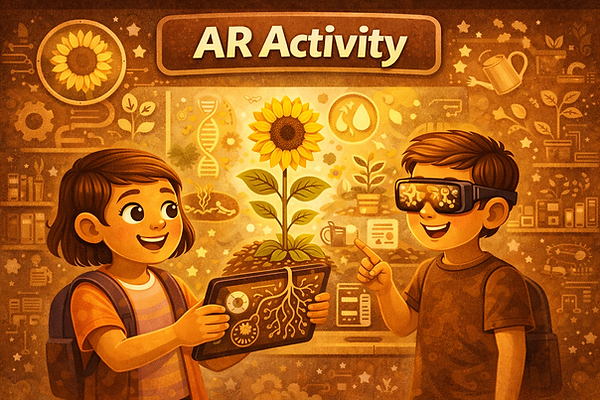
🧠 Concept Explanation
Plants have different parts that help them grow and survive.
-
Roots absorb water and hold the plant in the soil
-
Stem supports the plant and carries water
-
Leaves make food using sunlight
-
Flower helps with reproduction
🎯Student Task
-
Create a 3D plant using Delightex objects
-
Label roots, stem, leaves, and flower
-
Add a short text or audio explanation for each part
-
(Optional) View the plant in AR
-
Share the link and write 2–3 sentences explaining what you learned
🔗ISTE Standards Alignment
ISTE 1 Empowered Learner
Students choose how to design and explain their plant model and reflect on their learning.
ISTE 6 Creative Communicator
Students use a 3D/AR environment, text, and/or audio to clearly communicate scientific understanding.
ISTE 7 Global Collaborator
Students can view and comment on peers’ models, comparing how plants are represented.
Simple Gamification Exercise

🤝Social Learning Activity: “Teach a Friend Using AR”
🎯Purpose
Students learn better by explaining ideas to others. This activity uses peer interaction to deepen understanding while keeping the task simple.

🧠Activity Overview
Topic example: Parts of a Plant (you can swap this with any concept)
👩👩👧👦 Step-by-Step Student Task
-
Create
Each student creates a simple 3D/AR model in Delightex (e.g., a plant with labeled parts). -
Pair Up
Students work in pairs or small groups (2–3 students). -
Teach & Learn
-
Student A opens their Delightex scene and explains one part of the model
-
Student B listens and asks one question
-
They switch roles
-
-
Peer Feedback (Very Simple)
Each student gives their partner one compliment + one suggestion, for example:-
“I liked how you explained the roots.”
-
“Maybe add one more label.”
-
-
Reflect (1 sentence)
Students write or record:“One thing I learned from my partner was…”
ISTE Alignment
This activity aligns with 'Creative Communiator' as they present their understanding through peer learning in an effective manner.


AI-Supported Insight Builder – Brief Example (Management Related)
Example – Meeting Overload:

Students explore the problem of meeting overload by using an AI tool to generate insights on its causes, impacts, and possible solutions. They then critically evaluate the AI responses by checking credibility, identifying assumptions, and comparing suggestions with real workplace practices. Based on this analysis, students create a short digital artefact—such as a one-slide summary or infographic—proposing practical strategies to improve meeting efficiency.
ISTE Alignment:
This activity aligns with Knowledge Constructor (curating and evaluating AI-generated information), Computational Thinker (using technology to analyse and test solutions), and Digital Citizen (responsible and reflective use of AI).